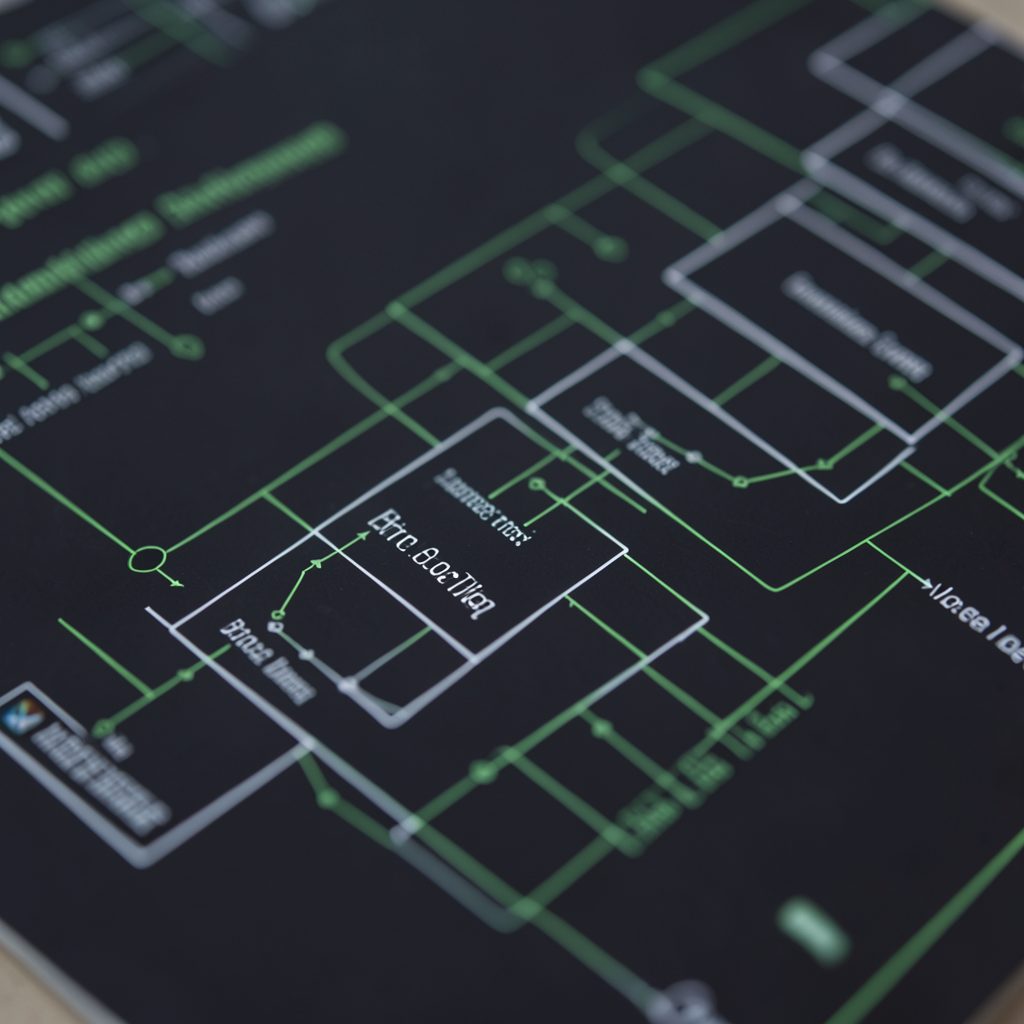


SCCP Return Cause Codes: Diagnosing Routing Failures
When a call dies on an SS7 network, the signalling stack leaves a receipt for you. That receipt is the return cause code: a numeric value carried back in a Reject, Return (CUDAR), Disconnect-Reason or Error primitive once an SCCP transaction cannot be completed. Read it as the last word from the node that gave up, and you can tell straight away whether the problem sits in the transport, in the destination translation tables, or in the subscriber data at the far end.
In Australia that distinction matters more than it once did. Traffic crosses mixed mobile and fixed networks, interconnection between carriers is busier than it was a decade ago, and NBN migration has shifted landline routing away from the classic exchange-to-exchange paths many engineers learned on. A trace that looks like a routing failure in Melbourne can be a routine busy-hour condition in Perth, four hours of difference away.
Where the cause value is generated
SCCP sits between the application layer and MTP3. ISUP, MAP and INAP messages are packed into service units, given a global title or subsystem SPC, and handed to MTP3 for message routing across signalling link sets. If MTP3 cannot deliver the message at all, you never see an SCCP cause: you see retransmissions, T1 and T2 timer expiry, and signalling link failures instead. A returned cause therefore already tells you the transport layer worked.
The cause value is generated by the node that detected the problem, and its precision varies with the SCCP class. Class 0 transactions are connectionless, and a return carries the cause back in a CUDAR. Class 2 and class 3 traffic is connection-oriented, so the failure arrives as a Disconnect-Reason with a cause, or as an ERR primitive when the error is detected before the dialogue completes. The distinction matters for diagnosis: a connectionless return on a MAP lookup often means the destination was reached but the request could not be satisfied, while a connection-oriented reject on an ISUP call may mean the route was never selected.
Higher up, the value describes the layer where the trouble originated. A routing or translation failure produces an unallocated-type cause; a subscriber lookup that fails at the HLR produces a no-such-user-type cause; an application that deliberately releases the call produces normal clearing.
Reading the cause values you will meet
ITU-T Q.711 and the ANSI X3.92 code sets use the same conceptual meanings but do not always assign identical numbers, so confirm which variant your deployed network uses before you build filters around a specific value.
| Return cause (Q.711 class 0) | What it tells you | Where the fault usually sits | First thing to check |
|---|---|---|---|
| 1 — Unallocated | The destination address could not be matched to a signalling point | Signalling transfer point translation | GTT and GTL entries for that global title |
| 2 — Unallocated, equipment unknown | No usable route exists for the destination SPC | STP route selection (LSR) | Signalling route and label selection for that SPC |
| 7 — No such user | The destination was reached but the subscriber is not present | HLR, VLR and CM records | Provisioning and roaming records for the IMSI |
| 8 — No such equipment | The switching element behind the SPC cannot be reached | STP-to-STP connectivity | Signalling link state, T1 and T2 timer behaviour |
| 10 — No such destination | The number or global title is absent from the destination's plan | Numbering plan and portability data | Prefix ranges, porting database, operator codes |
| 16 — Normal clearing | The application released the transaction normally | Application layer | Not a routing fault; read the surrounding context |
| 17 — User busy | The called party was already engaged | Terminating application | Retry behaviour, not routing |
| 22 — Number changed | The subscriber has migrated to a new number | Portability and CM data | Porting database entries for the original number |
A useful rule of thumb: causes in the unallocated family point at the routing and translation layer, causes describing absent subscribers point at the home register, and causes describing a busy or rejected party are not faults at all. Treat the table as a starting hypothesis, then confirm it against the trace.
MAP traffic shows why this layering pays off. In the roaming number retrieval flow, a Cancel Location query is routed to the home network's HLR. If the response returns an unallocated cause, the query reached an STP that could not translate the HLR global title, so the fault is in translation. If it returns a no-such-user cause, the query arrived at the HLR and the problem is subscriber data or roaming permission.
A diagnosis path that finds the fault
Start from the last message that actually moved. In an analyser, walk backwards from the return primitive to the preceding Transfer, and note the signalling point that sent it, the routing label, and the hop count. If the hop count is exhausted, you have a loop rather than a missing route. If the routing label does not match what the STP's own route selection table should have chosen, the problem is local to that STP.
Then check the destination. Confirm that the SPC in the return matches the SPC you addressed in the request, and that the global title translated to the network you expected. A mismatch between the translated destination and the responding STP is one of the fastest ways to find a stale translation entry.
Timing tells the rest of the story. Watch a main square at different hours and the same location behaves like a different route entirely: clear at dawn, congested around five, quiet again late at night. Signalling behaves the same way. A fault that only appears during the morning peak in Sydney suggests congestion or timer pressure, while one that appears overnight usually points at a static configuration error. Filter your trace by cause value, group the returns by destination SPC, and see whether they cluster in a window.
Australian conditions that complicate the picture
Local realities colour every trace you will read. Mobile prefixes in the 0400 to 0499 range, plus 1800 and 1300 service numbers, and the country code +61, all appear in global titles in ways that surprise people trained on North American plans. Australia's Do Not Call Register and the telemarketing sunset rules mean some calls are legitimately refused at the application layer, so a call-rejected cause is sometimes a compliance outcome rather than a fault.
Time zones matter too. Sydney and Brisbane run on UTC+10, Adelaide on +9:30 and Perth on +8, so a daily pattern that looks uniform in UTC data can hide three separate local peaks. And when a trace involves a subscriber in Redcliffe, the old Sentinel suburb on Brisbane's northern waterfront, expect presence and roaming queries to be the dominant flow — the local reference for Keno bonus guide for Redcliffe captures the area and the handset base it draws.
Checklists keep the analysis honest:
Trace-side checks
- Match the returned destination SPC against the SPC in the original request
- Compare routing label and hop count against the STP route selection table
- Separate returns generated during peak windows from those spread across the day
- Check whether the failing MTP3 link shows T1, T2 or congestion indications
Configuration and subscriber-data checks
- Validate GTT and GTL entries for every global title in the failing path
- Verify CM and HLR records for the affected IMSI, including roaming permissions
- Confirm porting database entries for numbers that return no-such-destination
- Review recently changed routes or subscriber provisioning before the first failure
The next transaction to pull
When you sit down to investigate, resist the urge to start with the cause value. The value narrows the search; the trace confirms it. Open your analyser, filter on the destination SPC that produced the highest number of returns, and pull the three most recent failing transactions for that destination. For each one, note the cause code, the responding signalling point, and the hop count, then compare those against the route selection table and translation entries in the affected exchange.
Those three traces will tell you whether you are looking at a stale global title translation, an exhausted routing loop, or subscriber data that was never provisioned correctly, and the next action follows from that distinction rather than from a guess.